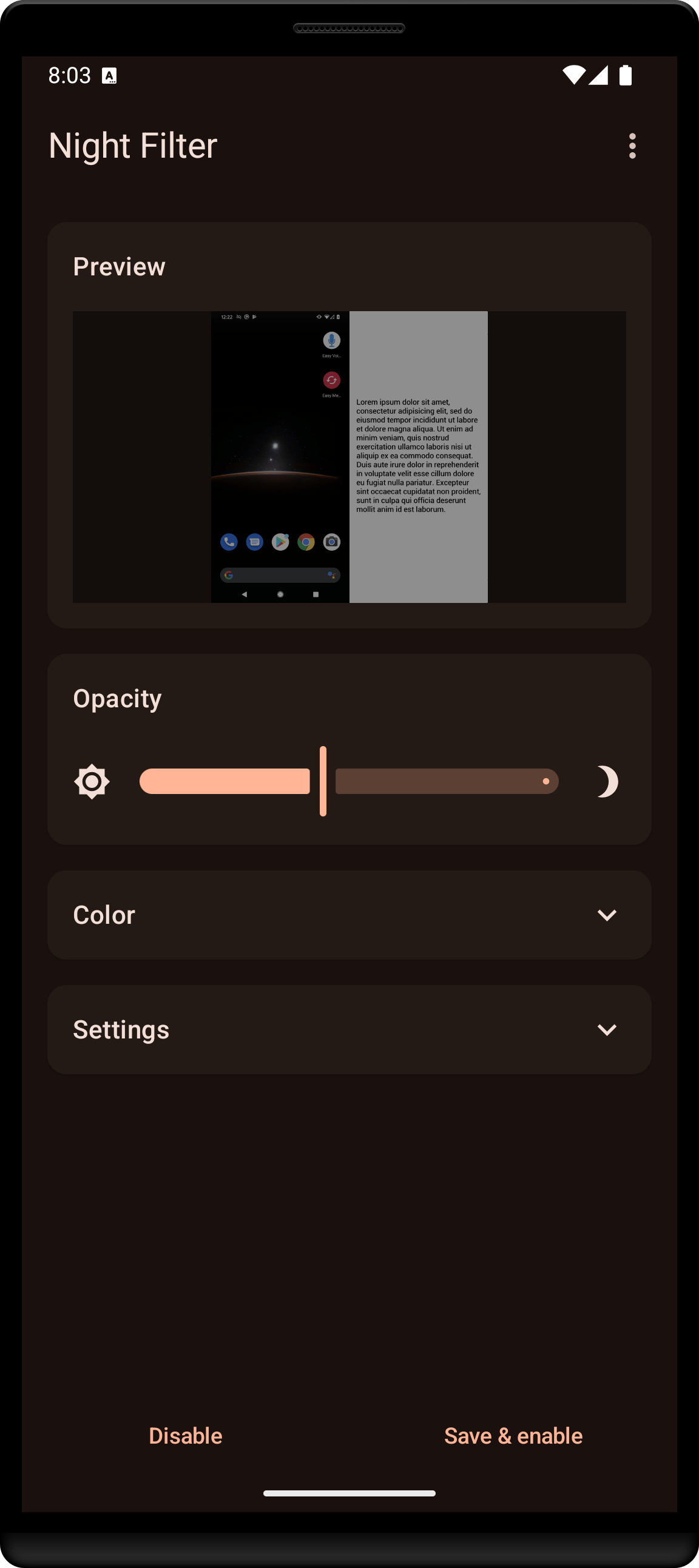
Adjust brightness & colour
Fine-tune your screen’s dim level and set any tint with RGB or HSV sliders. Five presets are built in, and you can name and save your own.
Dim your screen, tint it to filter out blue light, and read at night with less eye strain.
The lamp was off and the house had gone quiet. She held the phone above her face and waited for her eyes to catch up with the light.
Fine-tune your screen’s dim level and set any tint with RGB or HSV sliders. Five presets are built in, and you can name and save your own.
Widgets and shortcuts on your home screen toggle the filter instantly.
Start and stop filtering automatically at times you set.